Catering, Reservations & Drive-Thru
Complete POS guide · Start a POS trial · Setup checklist
Catering
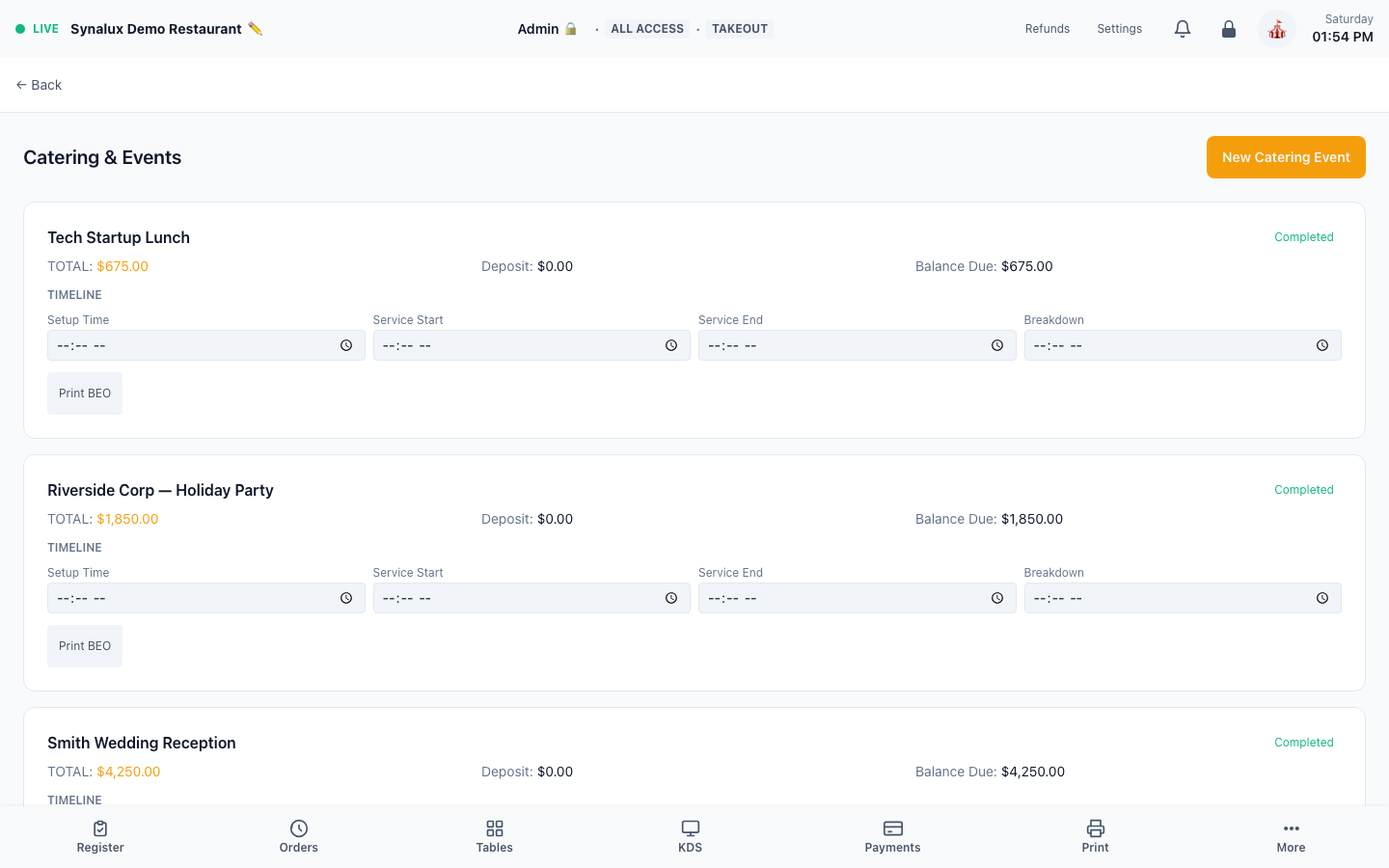
Large-order entry with Banquet Event Orders, delivery scheduling, and deposit tracking.
Setup
- Open the Catering page to create catering events
- Build a Banquet Event Order (BEO) with menu items, headcount, and timeline
- Set delivery date/time and assign a driver or 3PD provider
- Track deposits (partial payments) against the event total
Reservations & Waitlist
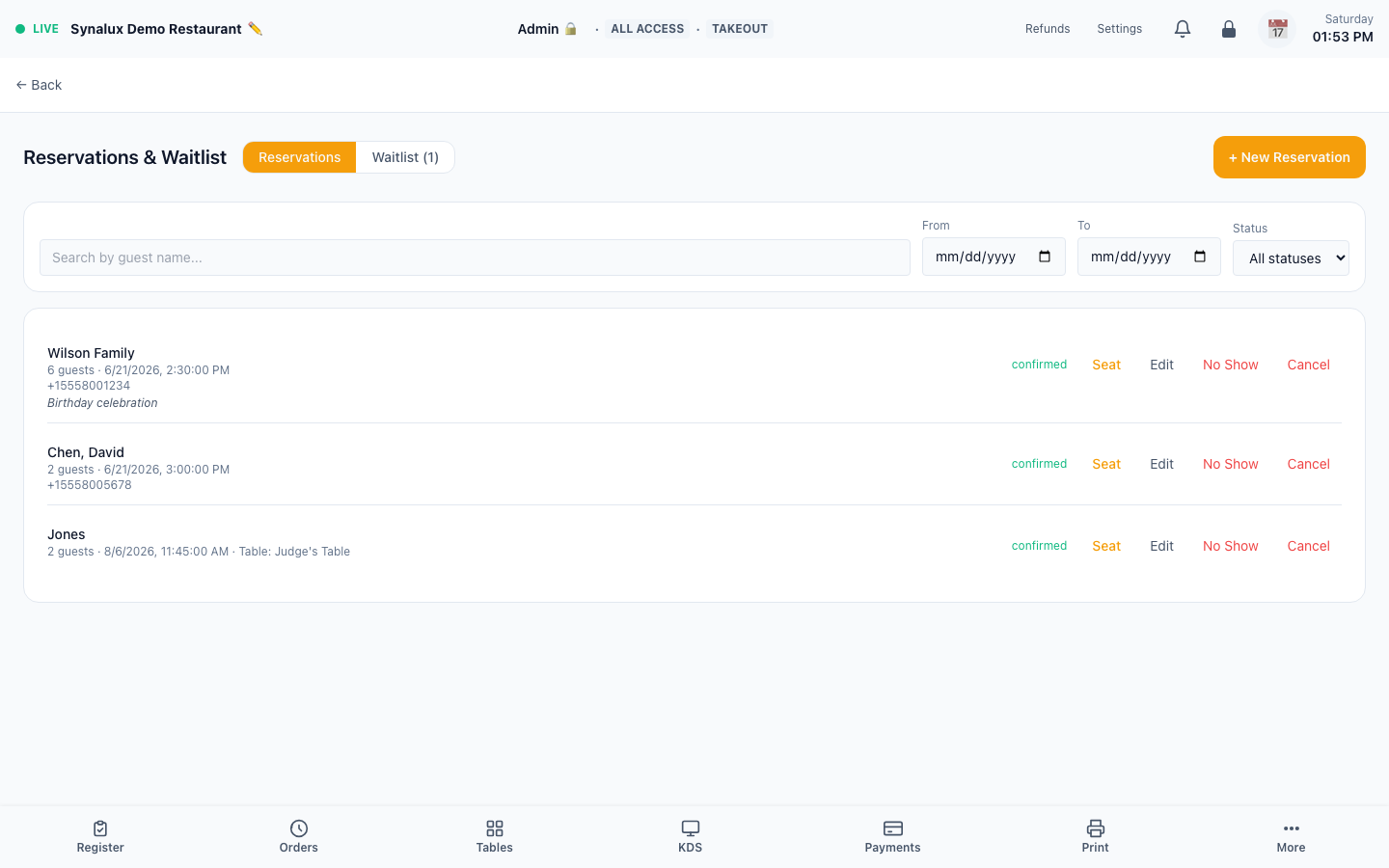
Full reservation + waitlist management. Timeline view with party size, table assignment, auto-position waitlist with ETA, and connected reservation partners.
Setup
- Open the Reservations page — toggle between Reservations and Waitlist tabs
- Create reservation — guest name, phone, email, party size, date/time, table assignment
- Add to waitlist — auto-positions with estimated wait time (15 min × position)
- Seat a party — assign a table and record the seating time
- Cancel / No-show — tracked with timestamps for reporting
- Reservation partners — connect Google Reserve, OpenTable, or Yelp in Settings > Integrations, then test booking creation, updates, and cancellation
- Auto-refresh: reservations every 30s, waitlist every 15s
Drive-Thru
Lane management with color-coded timing and auto-advance to the next station.
The production demo currently has no active drive-thru tickets, so this workflow is documented without an empty lane-board screenshot.
Setup
- Open
/pos/drive-thruon a dedicated screen per lane - Orders flow through stations: Order → Prep → Window
- Color-coded timing (green < 3 min, yellow < 5 min, red > 5 min)
- Auto-advance when KDS bumps the ticket
Handheld Server
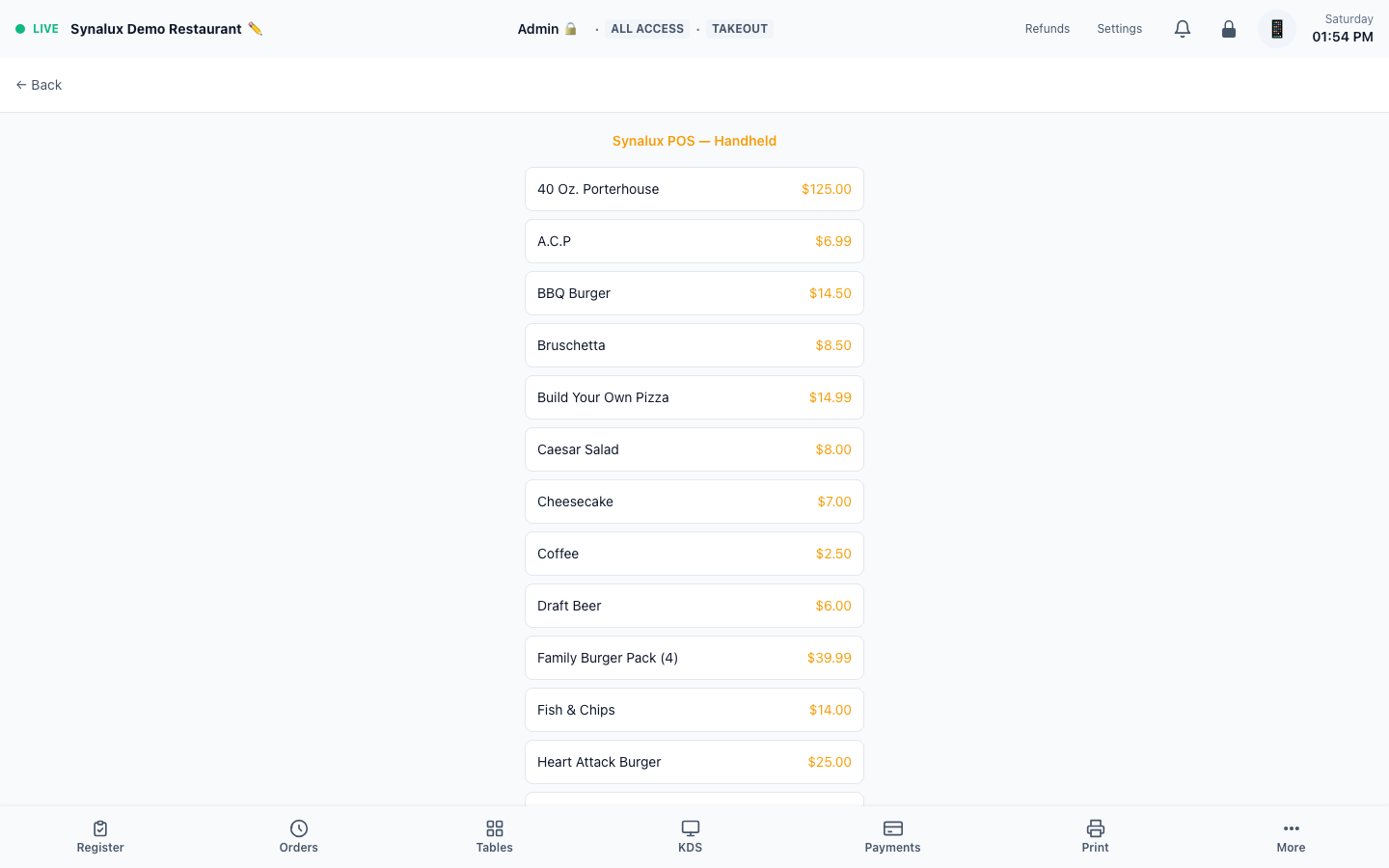
Tableside ordering on any iPhone. Same menu, same modifiers, same KDS routing.
Setup
- Open
/pos/handheldon any iPhone or small tablet - Server logs in with their PIN — same role-based access as the register
- Tap a table → add items → send to KDS. Full modifier support including pizza builder