Online Ordering & QR Table
Complete POS guide · Start a POS trial · Setup checklist
Online Ordering & QR Table
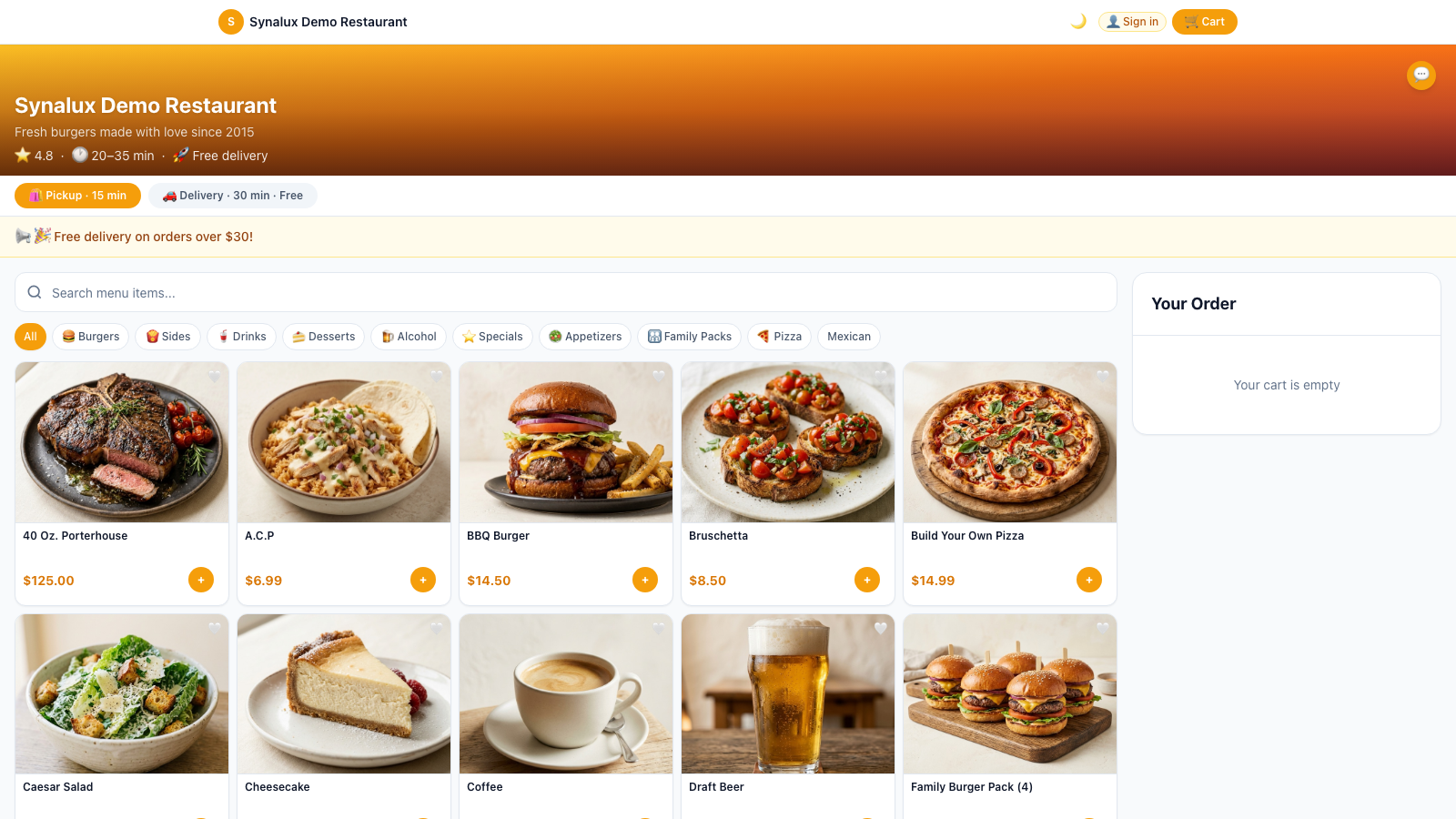
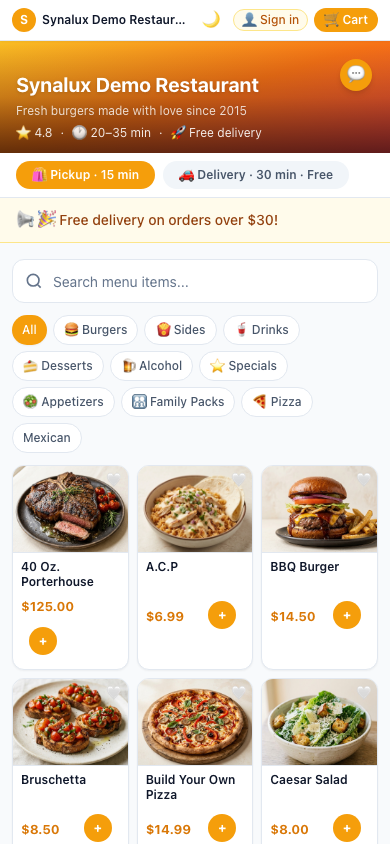
Customers browse your menu, order, and pay — no app needed. Pickup and delivery channels. QR codes per table go straight to KDS. Scheduled orders, loyalty points, promo codes, AI chat assistant, and order tracking.
Setup
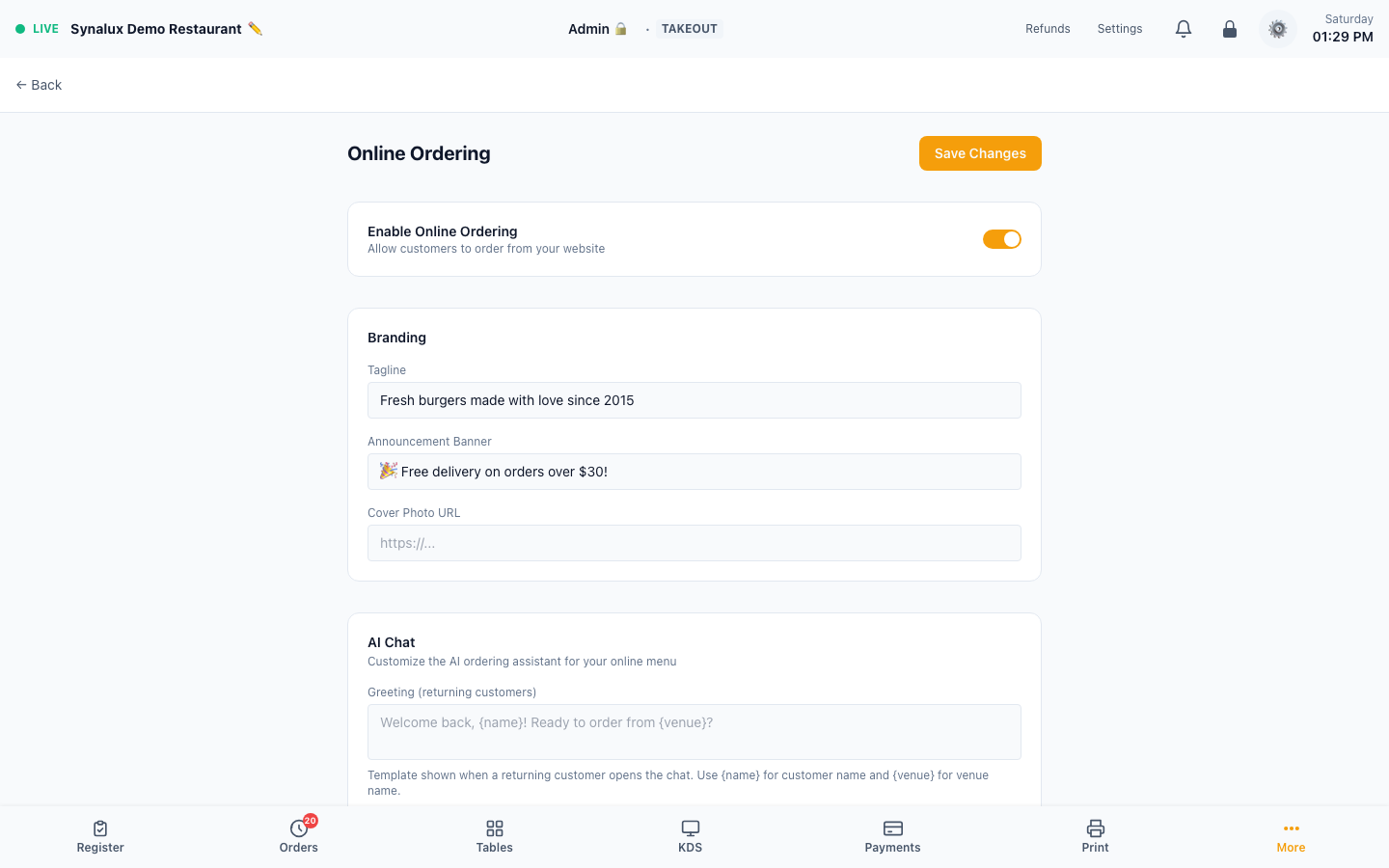
- Enable — turn on online ordering in Settings > Online Ordering
- Branding — set the storefront tagline, announcement banner, and cover-photo URL
- AI ordering assistant — customize returning-customer and new-customer greetings plus the assistant persona. The supported
{name}and{venue}placeholders are filled at runtime - Business hours — set per-day open/close times. Orders are blocked outside hours
- Channels — enable Pickup and/or Delivery independently with separate minimum-order amounts and preparation times; Delivery also has a base fee
- Delivery zones — set the venue coordinates, then define radius zones with their own fee and minimum order
- Closed dates — add holidays or other dates when online ordering is unavailable
- Share your link — customers order at
https://your-slug.synalux.aior your configured enterprise custom domain. Manage the slug and custom domain in Settings > Venue - QR table ordering — print QR tents from Settings > Floor Plan. Customer scans, orders, and the ticket goes straight to KDS
- Scheduled orders — customers pick a future date/time at checkout. Orders appear on KDS at the scheduled time
- Promo codes — one-time-use codes are validated at checkout and duplicate redemption is rejected
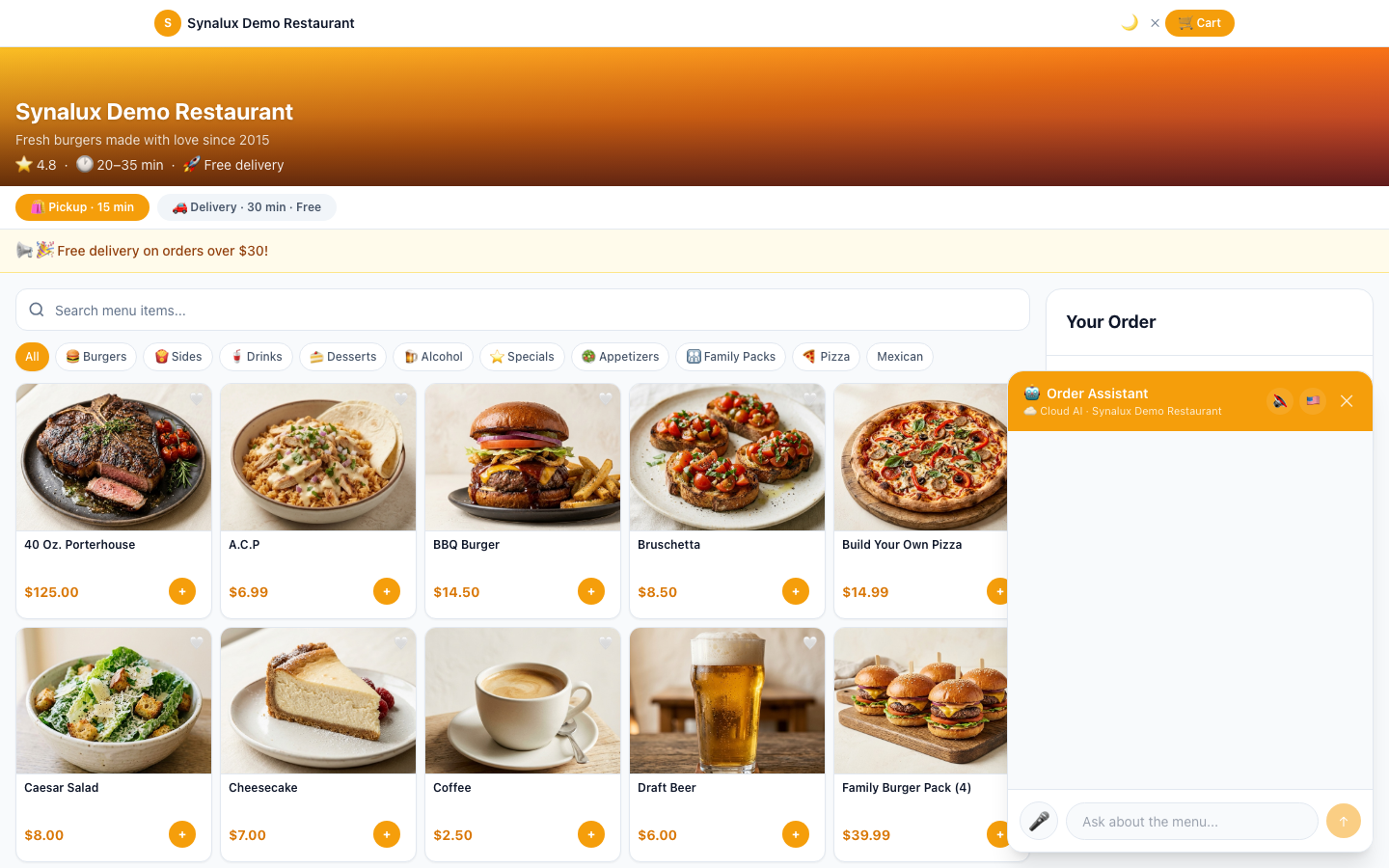
- AI chat — customer-facing AI understands your full menu including modifiers and pizza builder. Supports 14 languages with voice input/output
Order Throttling
Rate-limit incoming online orders during peak times to prevent kitchen overwhelm.
The production demo currently has no queued throttled orders, so the zero-queue state is not shown as a product screenshot.
Setup
- Configure throttle limits in Settings > Online Ordering
- Set max orders per 15-minute window
- When the limit is reached, new customers see "We're busy — try again in a few minutes"