Gift Cards, Loyalty & Marketing
Complete POS guide · Start a POS trial · Setup checklist
Gift Cards & Loyalty
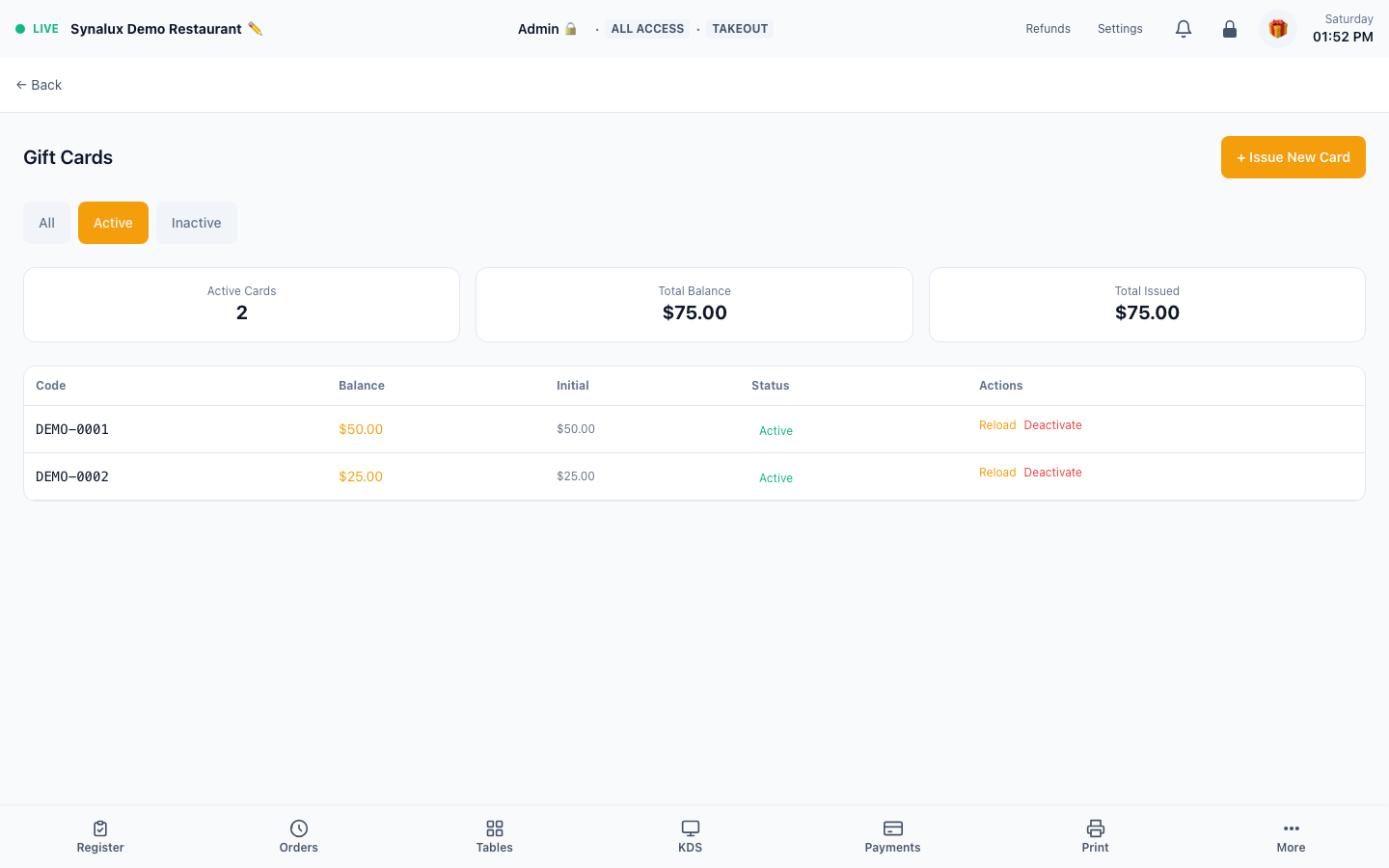
Issue gift cards ($25–$250) with auto-numbering and multi-location redemption. Loyalty with points, auto-tier, referrals, and automatic award coupon generation when customers cross point thresholds.
Setup
- Gift cards — issue from the Gift Cards page. Auto-numbered. Customers redeem at payment
- Multi-location — enable cross-location redemption for the venue group during onboarding, then test issue and redemption at each participating location
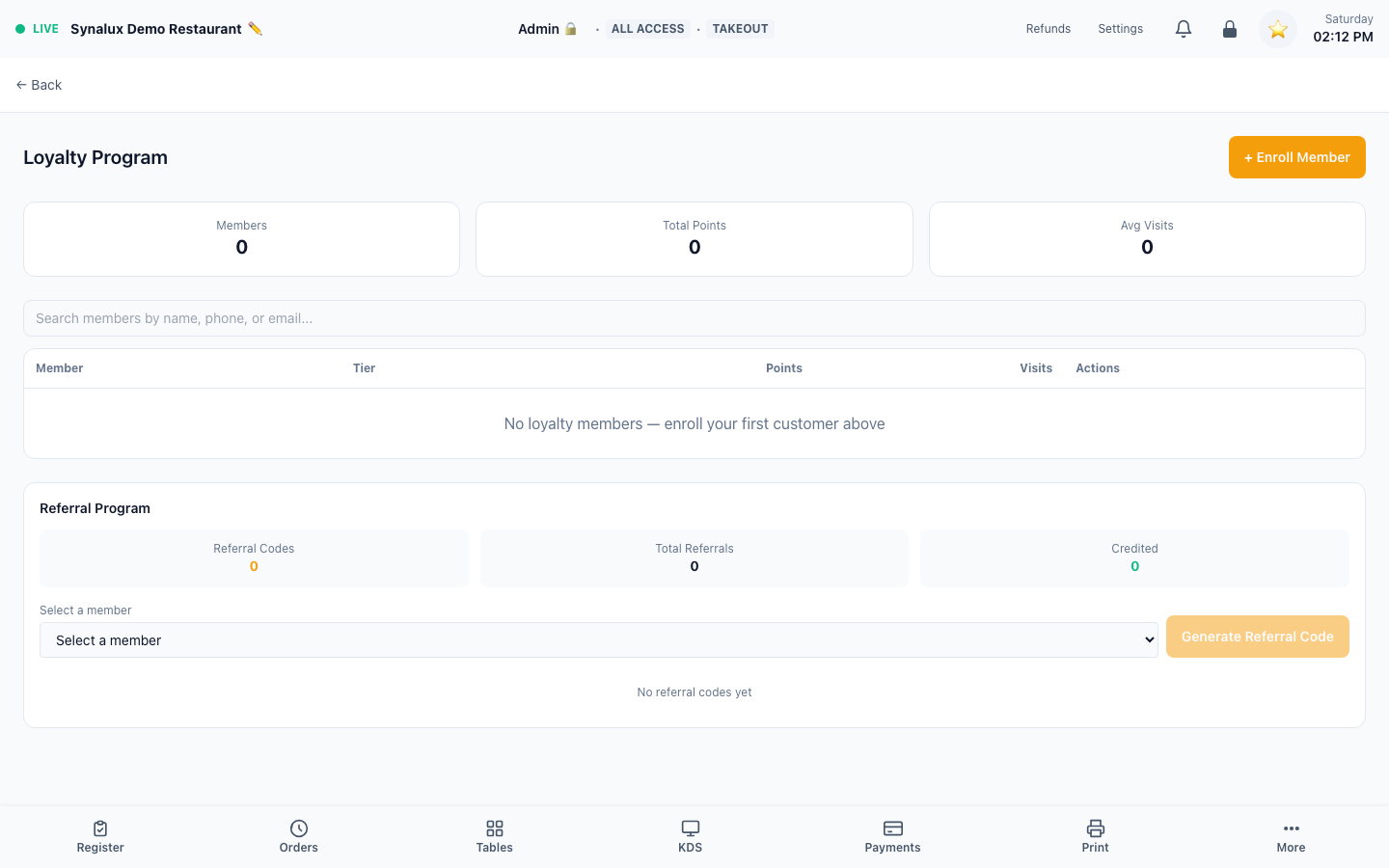
- Loyalty — enable in Settings > Loyalty. Customers earn points per dollar spent
- Auto-tier upgrades: Bronze → Silver → Gold based on cumulative spend
- Award auto-generation — configure point thresholds in venue features. When a customer crosses a threshold, one single-use coupon is issued with the configured discount value
- Referral rewards: existing customers share a link, both get bonus points
The current demo has no enrolled loyalty members, so the screenshot shows the real enrollment and retention controls without implying live member activity:
Marketing & Campaigns
Email/SMS blasts, promo codes, audience segmentation, planned send times, and send history.
Marketing is documented without a production screenshot when the demo has no campaign records.
Setup
- Open the Marketing page to create email or SMS campaigns
- Audience segmentation — target a campaign by minimum orders, minimum spend, last-visit recency, and whether the contact has an email or phone. A live summary shows who the campaign will reach
- Planned send — set a planned send time on a campaign; it's shown on the campaign card so staff know when to send it
- Create promo codes with percentage or fixed discounts
- Requires Twilio (SMS) or SendGrid (email) credentials in Settings > Integrations
Customer Feedback
Post-visit surveys, an at-the-terminal NPS prompt, star ratings, comment review, and response templates.
Feedback is documented without a production screenshot when the demo has no submitted responses; a zero-response dashboard is not used as an example.
Setup
- Open
/pos/feedbackto view submitted customer surveys and the NPS dashboard - On-terminal NPS capture — enable Auto-Prompt in the Feedback settings and the payment-complete screen shows a 0–10 "how likely to recommend" prompt with an optional comment. Tapping a score records it immediately (non-blocking — it never holds up the close-out)
- QR codes on receipts link to the survey form
- Star ratings, NPS, and comments are aggregated per server and per time period