Kitchen Display (KDS) & Coursing
Complete POS guide · Start a POS trial · Setup checklist
Kitchen Display (KDS)
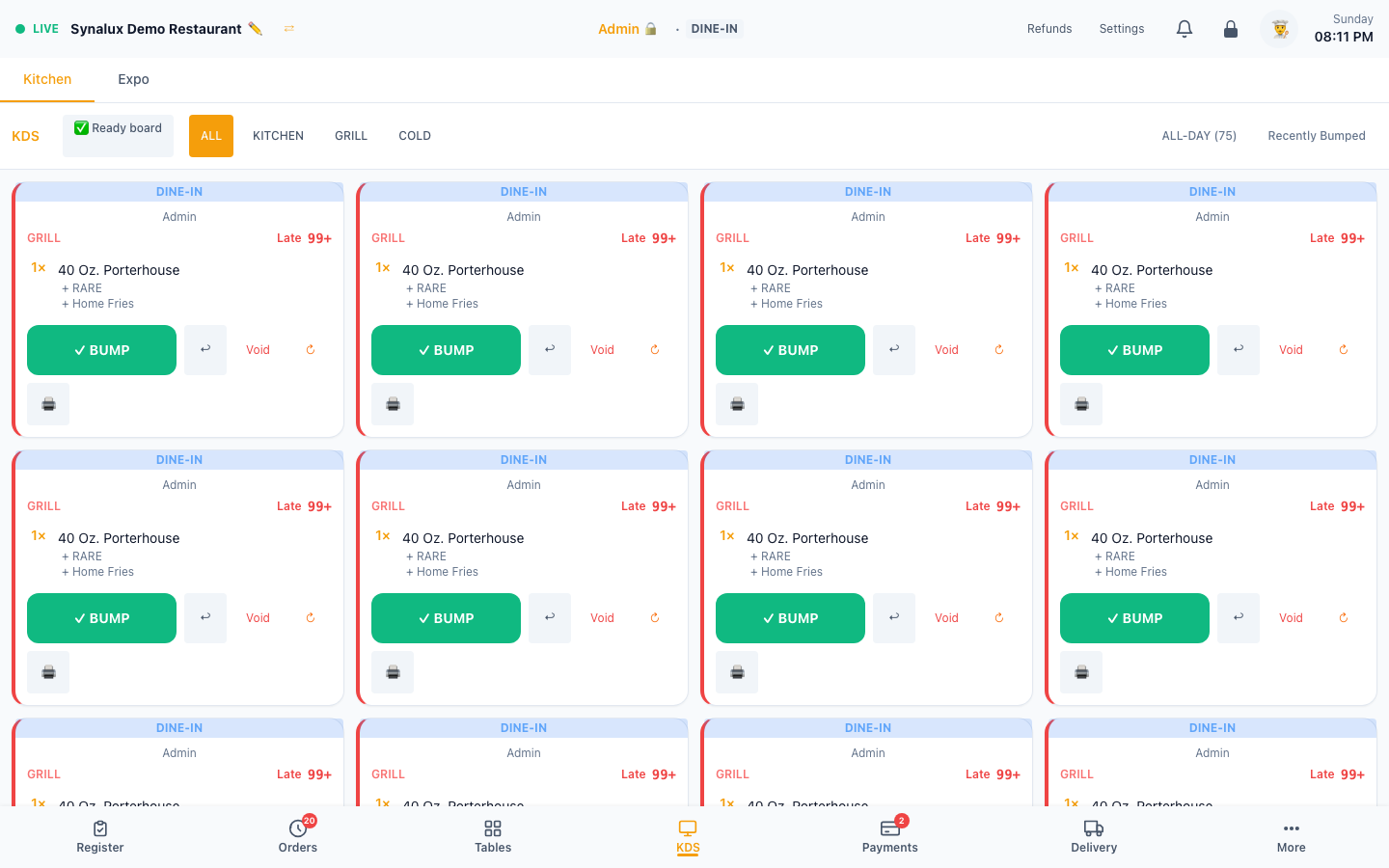
Ticket board with color-coded timing (green → yellow → orange → red). Bump, recall, void. All-day count per item. 8 station types: Kitchen, Grill, Fry, Prep, Expo, Bar, Cold, Pass.
Setup
- Open
/pos/kdson any tablet or TV - Filter by station: ALL, Grill, Fry, Prep, Expo, Bar, Cold, Pass
- Configure routing rules in Settings > Printers & KDS
- Timed Course Fire — set Prep time (minutes) for each menu item. Items split by course; later courses auto-fire based on the longest preparation time so everything finishes together
- Modifier Steering — modifiers can redirect items to additional stations. Set "Steer to Station" on any modifier option in Menu Builder. Steering is additive: item goes to default AND modifier station
- Voids reflect on fired tickets — voiding an item after it's fired marks it struck-through with a VOID badge on the kitchen ticket, so the line the kitchen already sees is cancelled instead of leaving a phantom item to be made
Expo & Order Management
The KDS is only one part of the live order workflow:
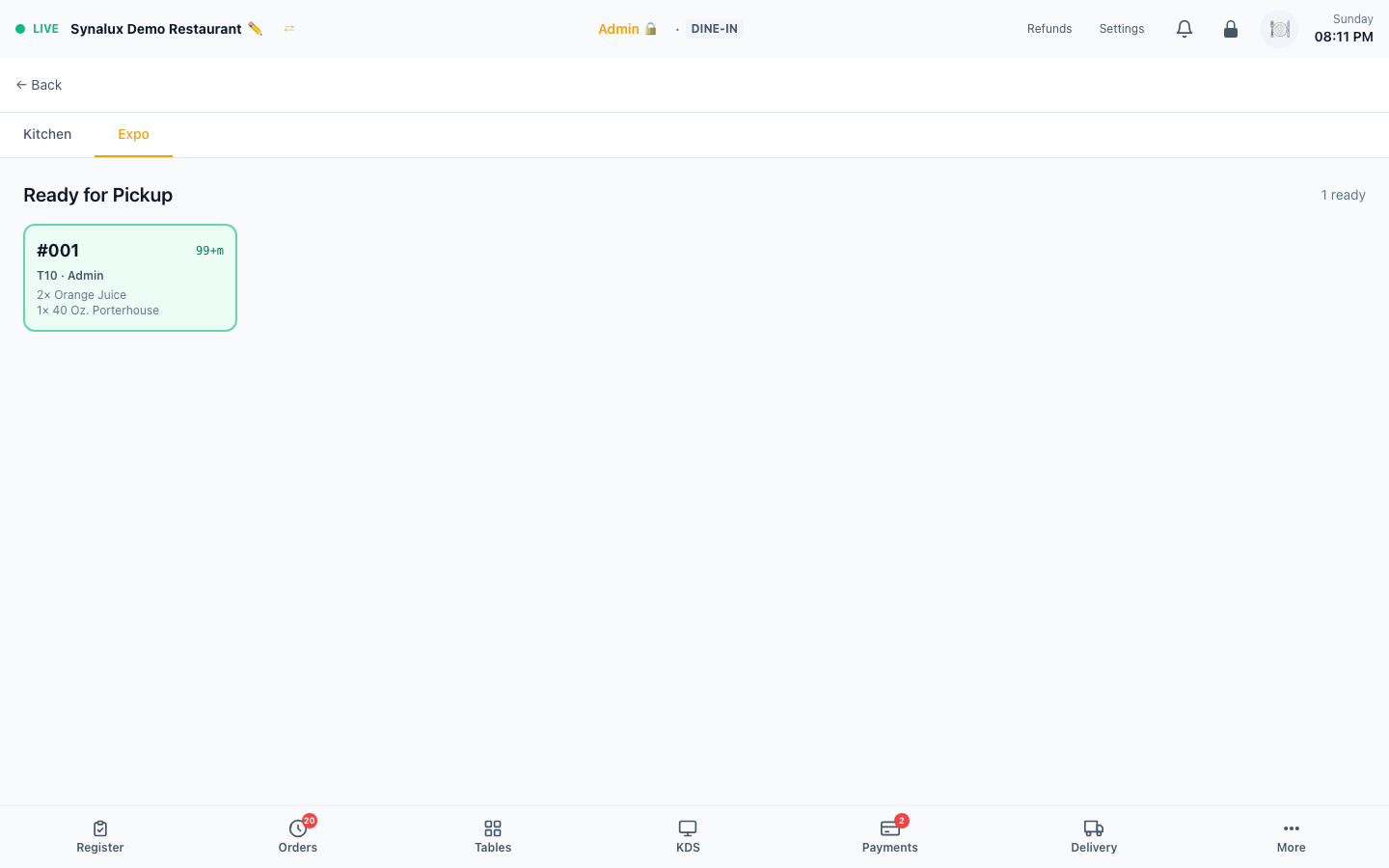
- Expo (
/pos/expo) collects completed kitchen work for final handoff and lets staff mark ready orders complete. Staff whose role can open both screens switch between them with the Kitchen | Expo tabs at the top; Expo is admin-only until granted in Settings > Role Permissions. - Orders (
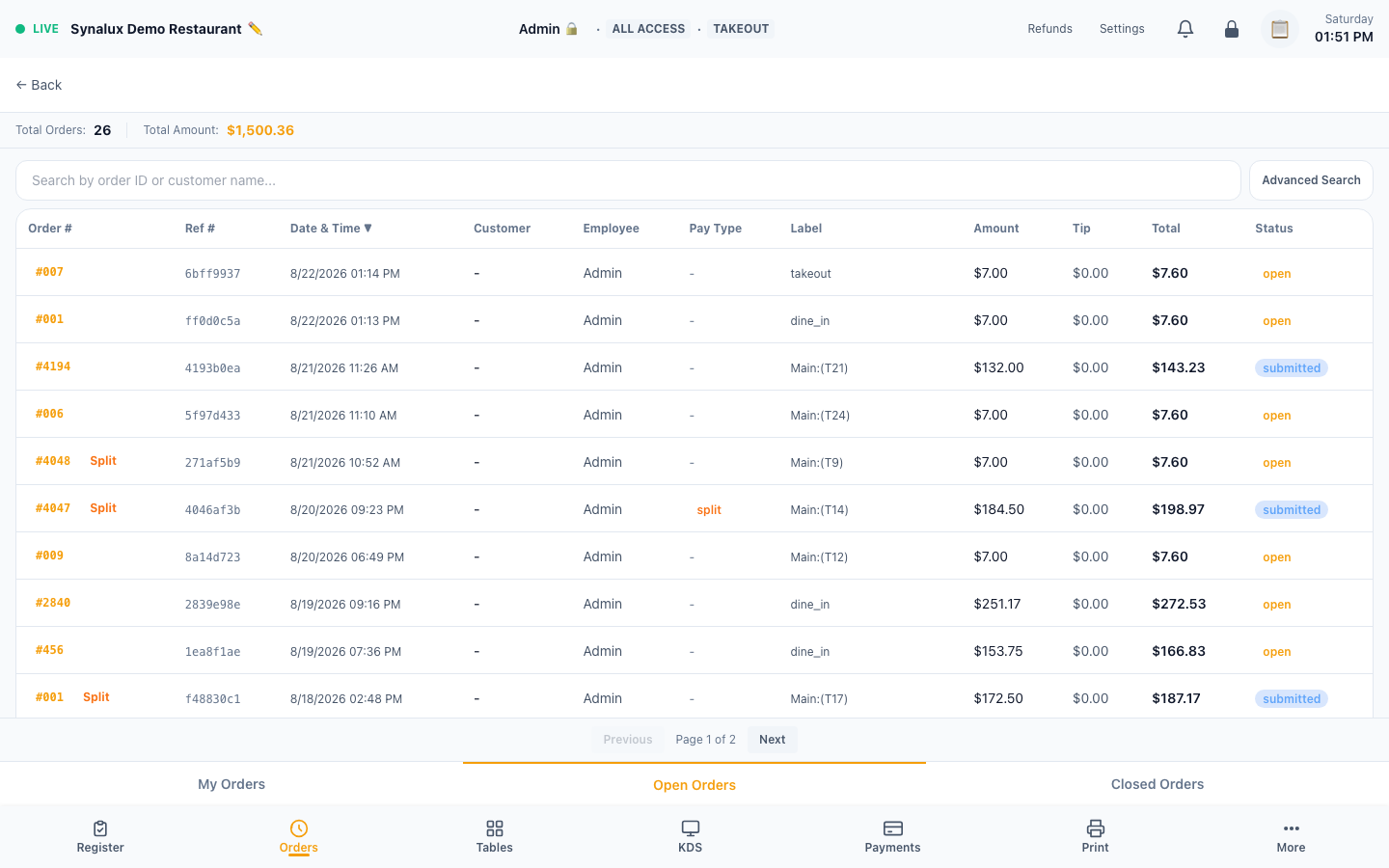
/pos/orders) is the searchable order ledger for open and completed checks, totals, staff, and tender context. - Table Operations (
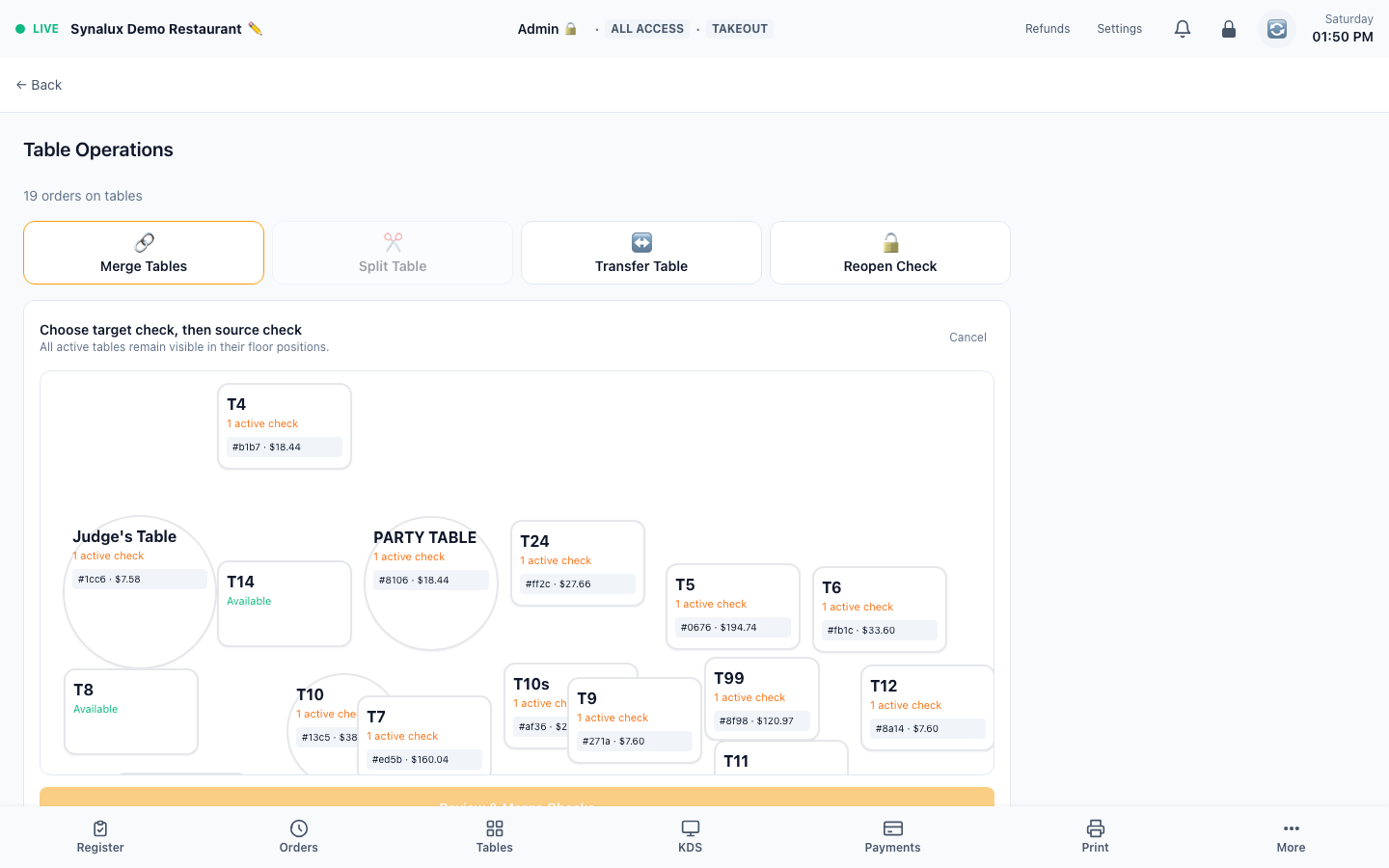
/pos/table-ops) centralizes active table checks for transfers, merges, split-backs, and reopen workflows. - Scheduled Orders (
/pos/scheduled) lists future orders when the venue has scheduled demand. An empty scheduled-order queue is intentionally not illustrated.
Timed Course Fire
Automatic kitchen ticket timing — items in a course fire based on prep time so everything lands on the expo at the same time. Course numbers are assigned at the register; KDS hides future-course tickets until their fire time.
How it works
- Set Prep time (minutes) on each menu item in Settings > Menu Builder
- Assign Course 1 / 2 / 3 to items in the cart during order entry
- Course 1 fires immediately. Course 2 fires after Course 1's longest prep time elapses
- Within a course, faster items are delayed — a 5-min soup waits 13 minutes so it finishes with the 18-min steak
- KDS hides future-dated tickets until their fire time passes
- Online, voice, and WhatsApp orders receive an estimated ready time based on the longest-preparation item
Modifier-Based KDS Steering
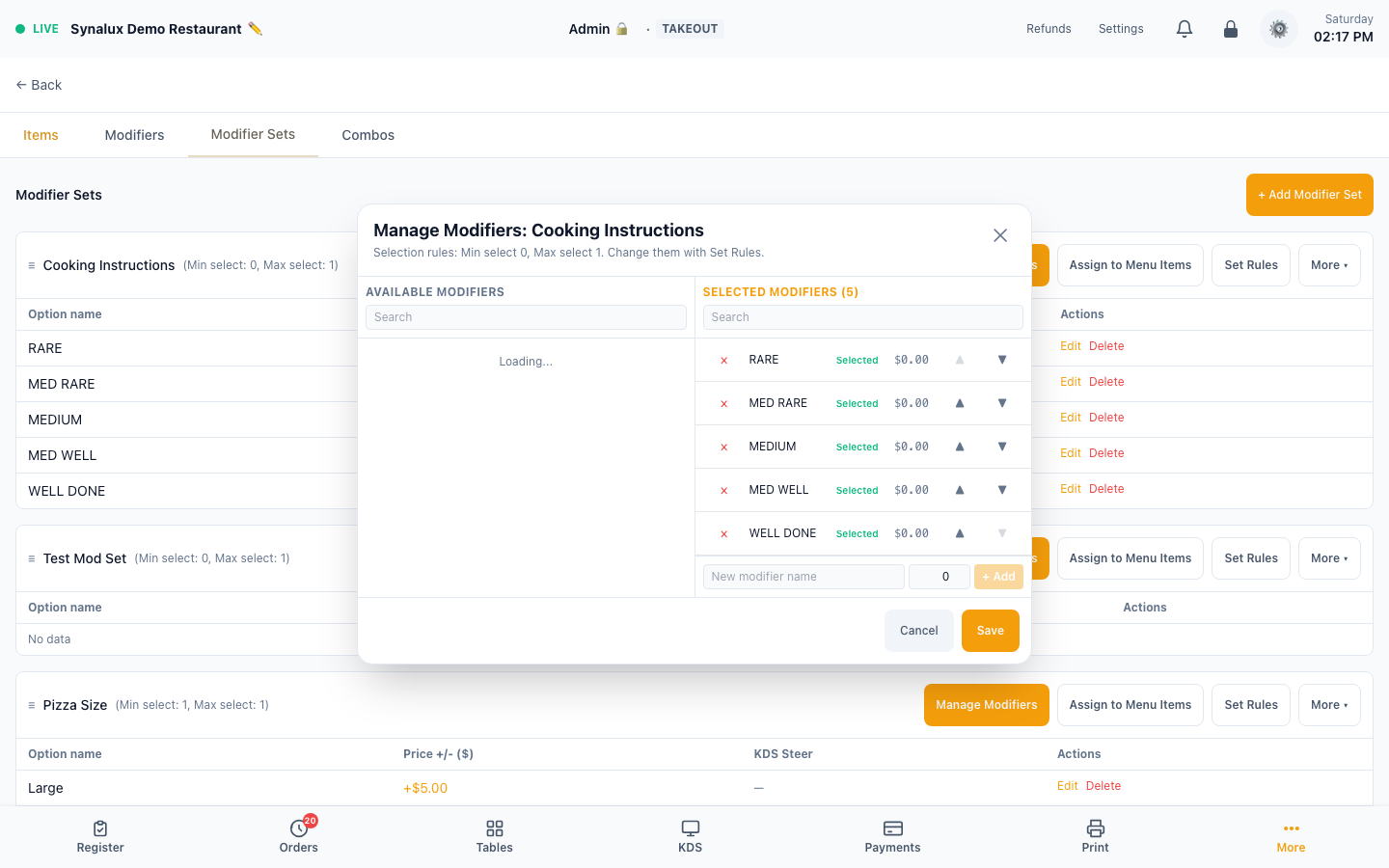
Modifiers can redirect parent items to additional kitchen stations (additive routing). Example: a "Grilled Shrimp" modifier on a burger sends the burger to both Prep AND Grill stations.
Setup
- Open Settings > Menu Builder > Modifiers tab
- Click Edit on any modifier option to open the inline edit form
- Set KDS Steer dropdown on any modifier option (e.g., "Grilled Shrimp" → Grill)
- Toggle Follow Item to control whether modifier text appears on the steered ticket
- Steering is additive — the item goes to its default station AND the modifier's station
- Multiple modifiers can steer to different stations without printing the same routed item twice
Coursing & Course Firing
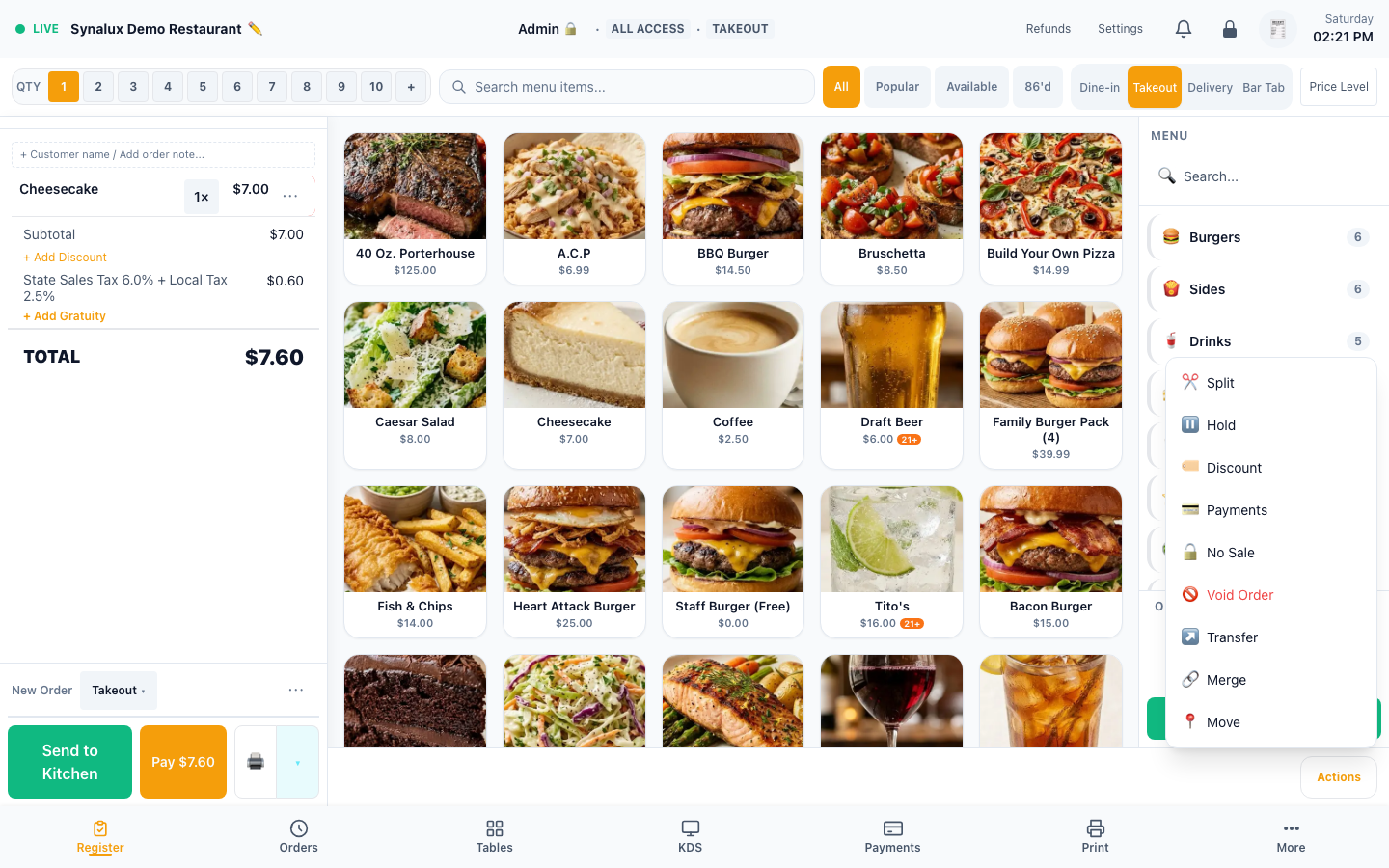
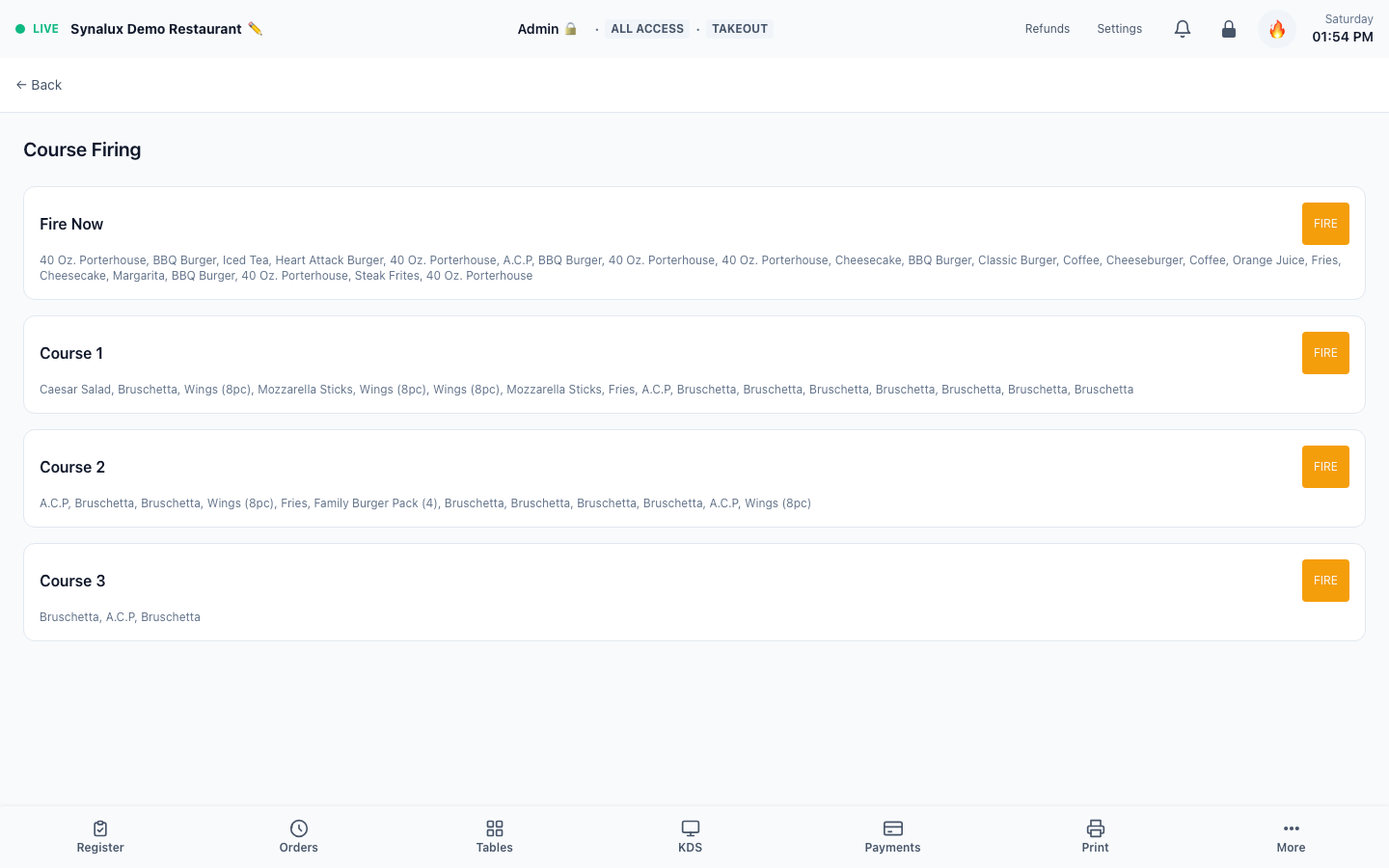
Multi-course meal sequencing with per-item course assignment and fire-on-demand. Assign course numbers to menu items and fire them sequentially from the register.
Setup
- Assign course numbers (1–6) to each item in the order ticket using the Course dropdown
- Course 0 = fire immediately. Courses 1–6 fire in sequence when the server taps "Fire Next Course"
- KDS shows course badges on each ticket item with color-coded timing
- Seat assignment works alongside courses — assign items to Seat 1/2/3 and Course 1/2/3 independently
- Kitchen holds later courses until earlier ones are bumped — perfect for appetizer → entree → dessert flow
Hold/Send Kitchen Timing
Set a hold timer (5-60 minutes) on an order before sending to kitchen. Kitchen tickets auto-fire when the timer expires even if the Register page is no longer open. Servers use this for appetizer-first timing, bar-tab food holds, or coordinating with a reservation arrival.