📋 Adaptive Assessment Log
A score log for externally-administered standardized assessments. Synalux stores, charts, and trends scores that you collected and scored on the publisher’s official platform. It is not an assessment instrument — it does not administer, score, or reproduce any standardized test.
What This Module Is — And Is Not
This module IS:
- A longitudinal record of standard scores entered by the credentialed clinician.
- A trend chart across reassessments (e.g., 6-month, annual).
- A way to attach the score record to the rest of the client’s chart (treatment plan, BIP, progress notes).
- A reporting helper — pulls the latest scores into your draft narratives.
This module IS NOT:
- An adaptive-behavior, cognitive, language, or skill-acquisition test.
- A scoring engine or normative table.
- A replacement for the publisher’s official platform (Pearson Q-global, WPS Online Evaluation System, Stoelting, Brookes, Pro-Ed, etc.).
- A tool that reproduces or paraphrases items from any standardized instrument.
You administer and score the assessment on the publisher’s platform under the qualification rules they require. You then type the resulting standard scores into Synalux so the clinical record is complete in one place.
Strict Naming & Content Policy
The Adaptive Assessment Log is instrument-agnostic by design. The following rules apply to every UI label, database column, code identifier, marketing page, comparison table, and AI-assistant prompt:

✅ Allowed
- The module name “Adaptive Assessment Log” (and translations).
- A list of supported instruments that the module can store scores for, presented as a neutral list with each instrument’s trademark notice (see below).
- Direct comparison tables that name competitor products (e.g., “Synalux | CentralReach | Catalyst”). Nominative use of trademarks for honest comparison is permitted under U.S. trademark law.
- Nominative use when the clinician explicitly types “I just administered a [Instrument-3]” — the AI assistant may echo the instrument name back when summarizing what the clinician told it.
❌ Forbidden
- Naming the module after a competitor product, an instrument, or a “-style” / “-like” / “-alternative” of either (“our Vineland”, “Vineland clone”, “Vineland alternative”, “ABAS-style log”, “ABLLS replacement”).
- Reproducing, paraphrasing, or summarizing item content from any instrument.
- Reproducing scoring rubrics, cutoff tables, normative tables, or weighting formulas from any instrument.
- Implying that Synalux administers, scores, or normatively interprets any instrument.
- Using competitor product names outside of an explicit comparison table (no “like CentralReach…”, “we beat Catalyst at…”, “Rethink-style workflow”).
The forbidden list is enforced by the BCBA AI Assistant skill and by a CI check that greps documentation for the forbidden patterns outside of compare-table delimiters.
Supported Instruments (Score Storage Only)
The module accepts standard scores from any norm-referenced or criterion-referenced assessment the clinician chooses. Instruments below are named only for the clinician’s reference when they enter a record. Synalux does not include item content, scoring algorithms, or normative data for any of them.
| Domain | Examples of instruments scores can be stored for |
|---|---|
| Adaptive functioning | Vineland-3, ABAS-3 |
| Verbal behavior / skill acquisition | VB-MAPP, ABLLS-R, AFLS, Essential for Living |
| Cognitive / developmental | Bayley-4, Mullen, DAS-II, WPPSI, WISC, Stanford-Binet |
| Language | CELF, PLS, REEL |
| Behavior rating | BASC-3, CBCL, Conners-3 |
| Autism-specific | ADOS-2, ADI-R, GARS-3, CARS-2 |
| Sensory | SP-2 |

Trademark notices. Vineland-3® is a registered trademark of NCS Pearson, Inc. ABAS-3® is a registered trademark of Western Psychological Services. VB-MAPP® and ABLLS-R® are registered trademarks of their respective publishers. AFLS® is a trademark of Partington Behavior Analysts. Essential for Living® is a registered trademark of Patrick McGreevy. ADOS-2® and ADI-R® are registered trademarks of Western Psychological Services. BASC-3® is a registered trademark of NCS Pearson, Inc. All other instrument names are trademarks of their respective owners. Synalux is not affiliated with, endorsed by, or sponsored by any of these publishers. Use of these names is nominative: it identifies the instrument the clinician administered externally so they can label the score record correctly.
Data Model — What Gets Stored
Each record is a typed-in summary of an assessment the clinician completed elsewhere. The module does not store derived items, response patterns, or any content the publisher considers part of the test. The shape uses textbook psychometric vocabulary (composite, domain, subdomain, standard score, confidence interval, v-scale / scaled score, age equivalent, percentile rank, pairwise difference) — these are generic statistical concepts that appear across virtually every adaptive / cognitive / language battery, not specifics of any one instrument.
Top-level record
| Field | Type | Notes |
|---|---|---|
| Client | FK | Links record to client chart |
| Instrument | string (free text) | Clinician types the instrument label they administered |
| Form / version | string | E.g., “3” / “Comprehensive” / “Parent/Caregiver Form” |
| Administered on | date | Date of administration |
| Administered by | string (free text) | Examiner name (often the workspace clinician, sometimes external) |
| Respondent name | string (free text) | When the form is informant-based (parent, caregiver, teacher, support staff) |
| Respondent relationship | string (free text) | E.g., “parent”, “personal support staff” |
| Administration language | string | ISO-639-1 |
| Source PDF | file attachment | Optional — raw report from publisher’s platform |
| Narrative | rich text | Clinician’s own prose summary |
| Created / updated | timestamps | Standard audit trail |
Score block — generic shape
The score data is a free-form JSONB blob the clinician populates with standard-score rows. The recommended shape mirrors how psychometric reports are typically laid out — a composite at the top, domains beneath it, optional subdomains beneath each domain, and pairwise difference rows linking any two of the above. None of these fields are instrument-specific.
{
"composite": {
"label": "<clinician-typed name of the overall composite>",
"standard_score": 0, // numeric
"ci_95_low": 0, "ci_95_high": 0,
"percentile": "<1" // string — supports "<1" / ">99" / "50"
},
"domains": [
{
"label": "<clinician-typed domain name>",
"standard_score": 0,
"ci_95_low": 0, "ci_95_high": 0,
"percentile": "<1",
"ss_minus_mean": 0, // numeric — clinician copies from report
"strength_or_weakness": null, // "strength" | "weakness" | null
"base_rate": "<=25%" // string label
}
],
"subdomains": [
{
"domain_label": "<parent domain>",
"label": "<clinician-typed subdomain name>",
"raw_score": 0,
"scaled_score": 0, // generic name — covers v-scale, scaled, T, etc.
"age_equivalent": "2:6", // string, year:month — supports "<3:0", ">21:0"
"growth_value": 0, // optional — some instruments report this
"percent_estimated": 0, // optional — used when items are skipped/extrapolated
"scaled_minus_mean": 0,
"strength_or_weakness": null,
"base_rate": "<=10%"
}
],
"pairwise_diffs": [
{
"left_label": "<first composite/domain/subdomain>",
"right_label": "<second>",
"left_value": 0, "right_value": 0,
"diff": 0,
"significant": true, // boolean
"base_rate": "<=15%"
}
],
"out_of_age_range": ["<labels with limited derived scores>"],
"significance_level": 0.10
}Why JSONB, not a normalized score table
Two reasons:
- Instrument neutrality. A normalized table with hardcoded subdomain rows (e.g.,
receptive,expressive,writtenfor Vineland-3) would encode that instrument’s specific construct hierarchy in our schema, which crosses the line from “storing what the clinician typed” into “modeling the instrument’s structure”. JSONB with clinician-typed labels keeps Synalux on the right side of that line. - Real-world variance. Even within one instrument, optional sections (Motor for out-of-age examinees, Maladaptive Behavior Index, etc.) come and go. Some instruments report Growth Scale Values; many do not. A free-form JSON block tolerates the variance without schema migrations.
Charts, exports, and AI-assistant pulls iterate over domains[] and subdomains[] generically, reading whatever labels the clinician typed.
How the BCBA AI Assistant Uses Adaptive Assessment Log Records
When the clinician asks the assistant to draft a medical-necessity letter, BIP rationale, or DDA narrative, the assistant can:
- Pull the most recent scores the clinician typed into the log.
- Quote them verbatim (“on the most recent administration, the client scored …”).
- Connect those scores to ABA goals, prevention plans, and replacement-behavior selection per the clinician’s prompt.
The assistant must not:
- Generate item-level content, sample items, or “what a Vineland-3 looks like” mockups.
- Predict scores, simulate administration, or fabricate normative ranges.
- Compare the client’s score to a normative population beyond what the clinician typed in.
Workflow
- Clinician administers the standardized assessment on the publisher’s official platform under their qualification rules.
- Clinician opens the client chart in Synalux → Adaptive Assessment Log tab → + New Record.
- Clinician types the instrument label, form, date, scores, and narrative; optionally attaches the publisher’s PDF.
- Score record persists in the chart and appears on the trend graph.
- When drafting reports, the AI assistant references the typed scores by date and instrument label.
Screenshots
The form schema is workspace-admin-editable via
/admin/form-builder(see Synalux Dev Rule 6 insynalux-private/DEV_RULES.md), so the screenshot below shows the seed default — your tenant may look different after admin customization.
New record (seed default — top-level metadata + composite scores)
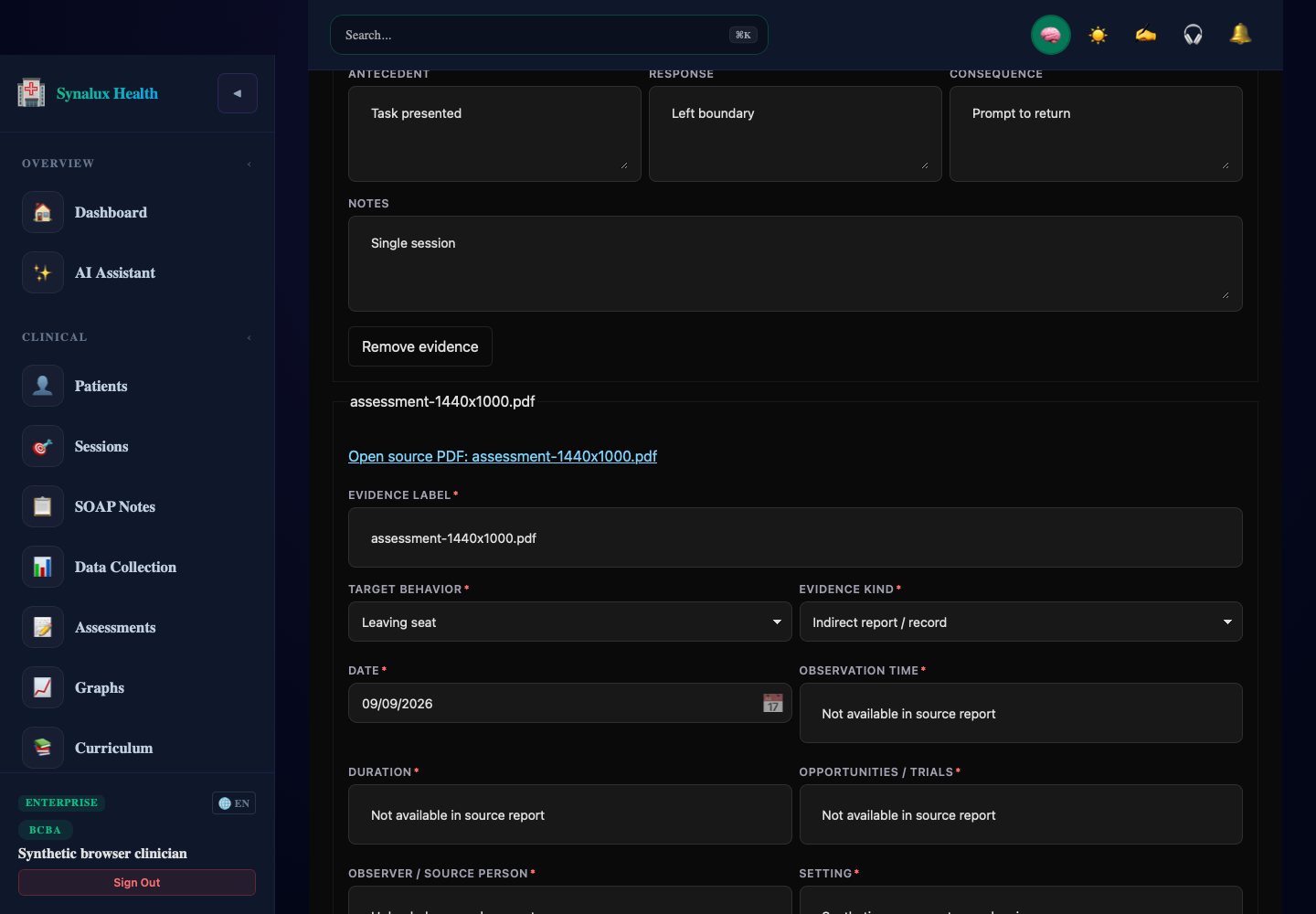
Screenshot pending — re-run portal/tests/ui/adaptive-assessment-log-screenshot.spec.ts to generate.
Pending capture (when those UI surfaces ship)
| Screen | Status |
|---|---|
| Record list / trend chart in the client chart | TBD — trend view not yet built |
Practice admin editing the form via /admin/form-builder | TBD — form-builder edit flow needs to load existing form_configs first |
| Source-PDF attachment view (audit-logged on every open) | TBD — viewer flow not yet built |
UI behavior is pinned by the test at portal/src/__tests__/adaptive-assessment-log-form.test.tsx — 5 cases covering the seed-default field set, free-tier filtering of the standard-tier subdomain JSON field, the audit-logged Source-PDF control, and required-field validation on submit.
Audit & Compliance
- All record creates / updates / deletes are PHI-tier audited (see Triple-Logging Architecture in the platform README).
- Soft-delete with 30-day grace before purge.
- Export: CSV (scores only) and PDF attachments included on Drive sync if enabled.
- The module is gated behind the standard clinical RBAC: only credentialed providers (BCBA / Psychologist / SLP / OT / PT / RN, depending on workspace specialty) can create records. RBT / Office Manager have read-only or no access.
Source PDF Attachments — Sensitive Handling
The optional Source PDF attachment field is the highest-sensitivity artifact this module touches: it’s the unredacted report exported from the publisher’s platform (e.g., Vineland-3-Comprehensive-Report_<id>_<ts>.pdf from Pearson Q-global). These reports contain client name, DOB, age, full subdomain item-level breakdowns, and scoring narratives.
Required handling for every Source PDF attachment:
- Encrypted at rest in object storage with workspace-scoped KMS keys; never stored on app server disk.
- Access-token URLs with short TTL (≤ 5 min) — no persistent direct URLs.
- Audit-logged on every view, download, and delete with the requesting user’s session id and IP.
- Excluded from AI training and embedding pipelines. The file is content-tagged
source_assessment_pdfand the platform’s training-data pipelines treat that tag as a hard exclusion. - Excluded from full-text search indexes. The PDF is not OCR’d, not text-extracted, not chunked.
- Never sent to third-party AI providers. When the BCBA assistant references scores, it reads the typed-in
Standard scoresJSONB only — never the source PDF. - Workspace admins can delete on demand for incident response (e.g., wrong client uploaded). Deletes are tombstoned and the underlying object is purged within 24 h.
- Synalux engineers do not read these files. Production access to attachment storage is gated behind the break-glass workflow, two-person approval, and a customer-visible audit entry.
Roadmap
- v1: Manual entry + trending (this document).
- v2: Optional CSV import from publisher exports — clinician chooses fields explicitly; Synalux never parses derivative content.
- v3: Reassessment reminder rules (e.g., annual re-administration prompts) tied to the workspace’s clinical-cadence settings.
🔗 Related: BCBA AI Assistant skill · Applied Behavior Analysis (ABA) Module · Audit & Compliance Architecture