Assessment documents and PDFs
Open Assessments in the clinical navigation. Use the records view to reopen existing work and the catalog to inspect available content versions.
Create an assessment document
If a catalog card reports incomplete content, use its document-writing action or start the written-document method. A catalog title or advertised item total does not establish that an item version is ready for administration.
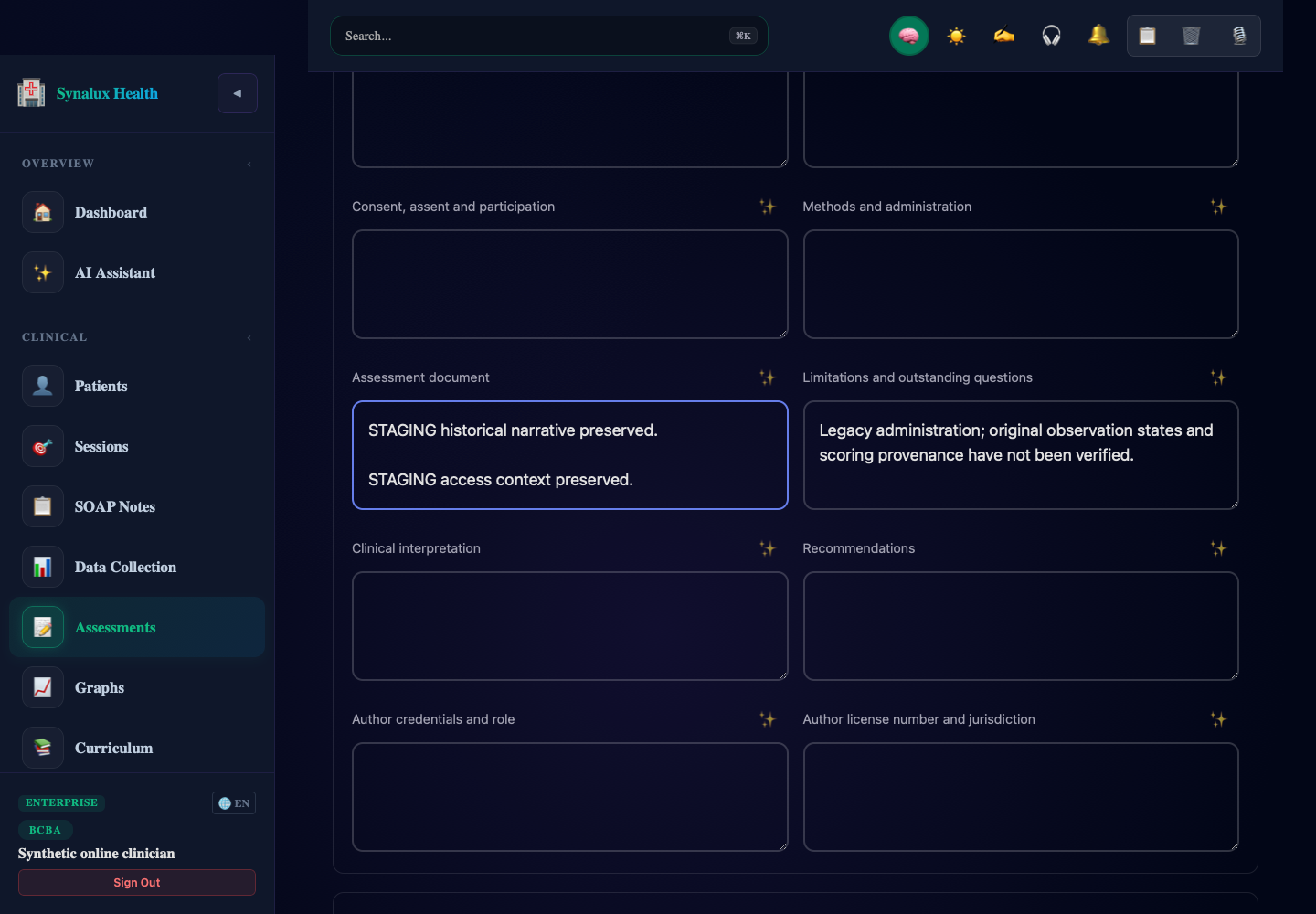
The ✨ icon beside each narrative label is the spelling and grammar correction action. Clinical documents use manual writing and local text suggestions, so cloud correction remains disabled here. The icon's tooltip explains its availability. Copy, clear, and dictation tools appear in the top bar while a text field is active; dialog forms keep those tools inside the dialog header.
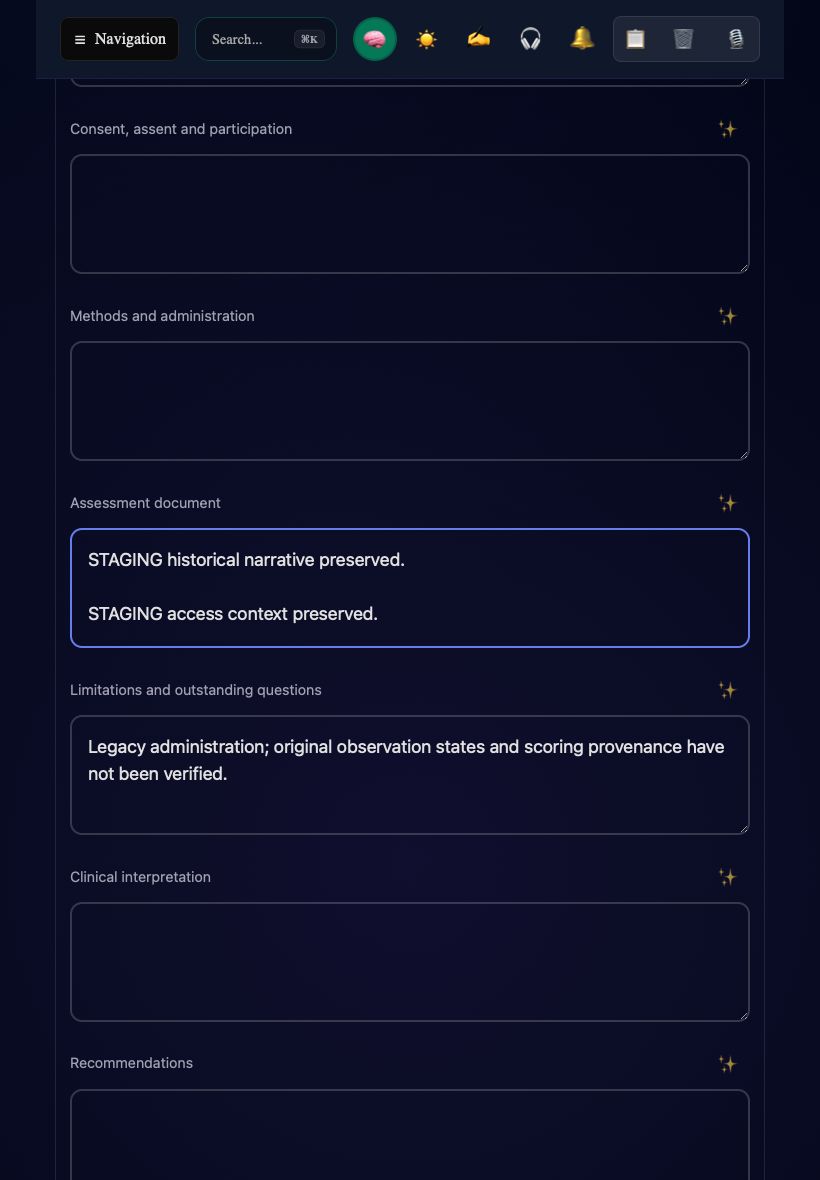
Open the desktop example. Both examples use synthetic staging records.
Upload or link a PDF
An uploaded PDF supports the report; it does not fill the narrative or establish a clinical conclusion automatically. Resolve an upload failure before treating the attachment as saved.
Record observations without confusing zero with untouched items
Choose an Observation state for each configured item. Not assessed retains an unresolved item. Assessed numeric score enables that item's authored score options and criteria. Not applicable, Unable to assess, and Declined record distinct outcomes, with an exception reason where required.
A numeric zero is an assessed result only when you explicitly select it for an assessed item. Use the displayed instructions, measurement definition, observation context, and evidence links. Record unavailable information honestly instead of filling it with a numeric zero. Historical numeric records retain their ambiguity until reviewed through an amendment.
Barrier and readiness observations records original descriptive observations. Add an occasion with date, observer and supporting evidence, and document the observable criterion for each rating. These ratings are not standardized scores.Complete, review, and download
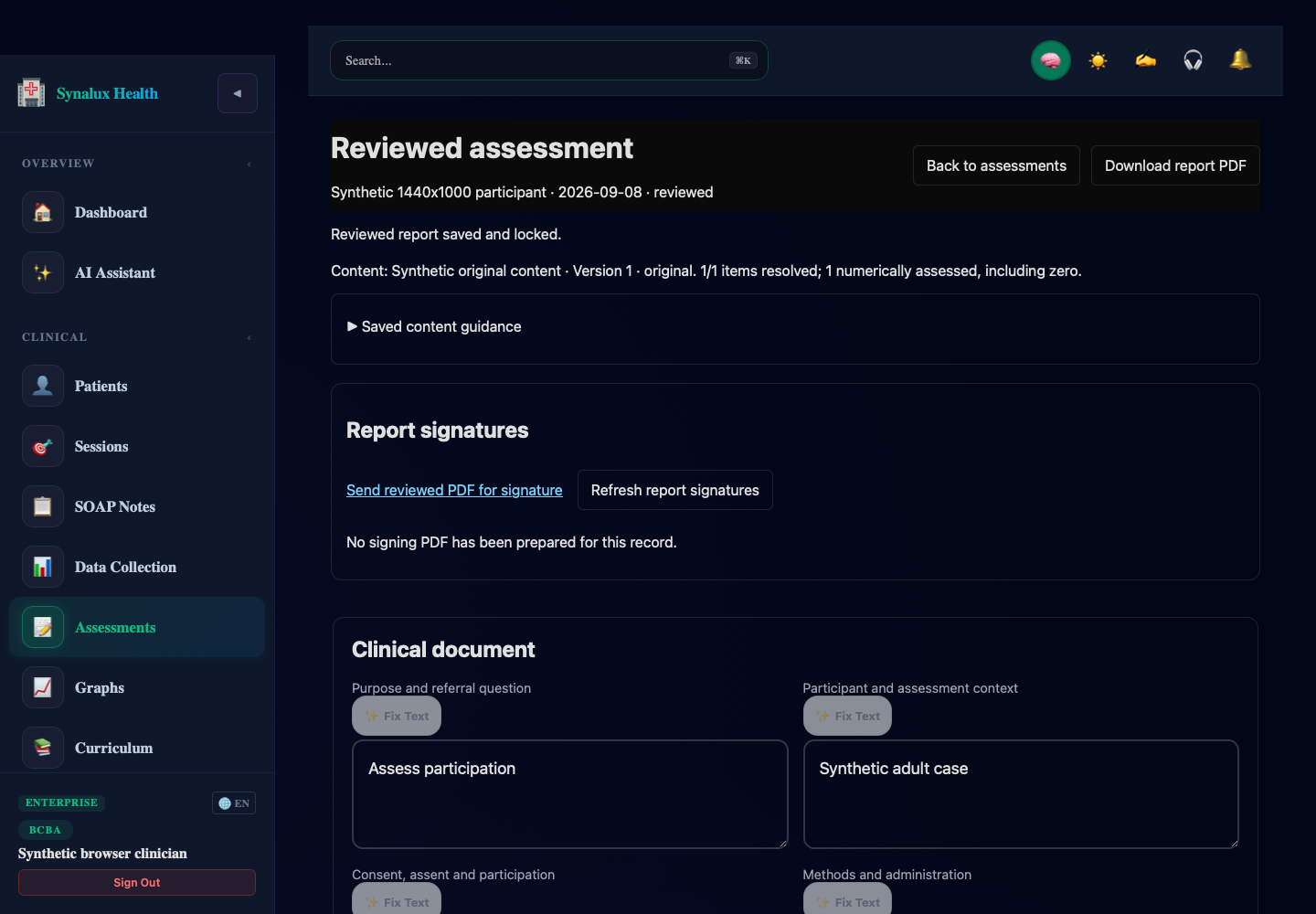
Synthetic staging record. No signature request has been prepared in this example.
Correct a reviewed report
Under Amend this reviewed record, enter an Amendment reason and select Create amendment draft. Edit and review the new draft. The earlier reviewed record stays intact. A historical record can be converted into a linked assessment document using its amendment action.
Continue to Adult FBA and BIP, External results, or Report signatures.